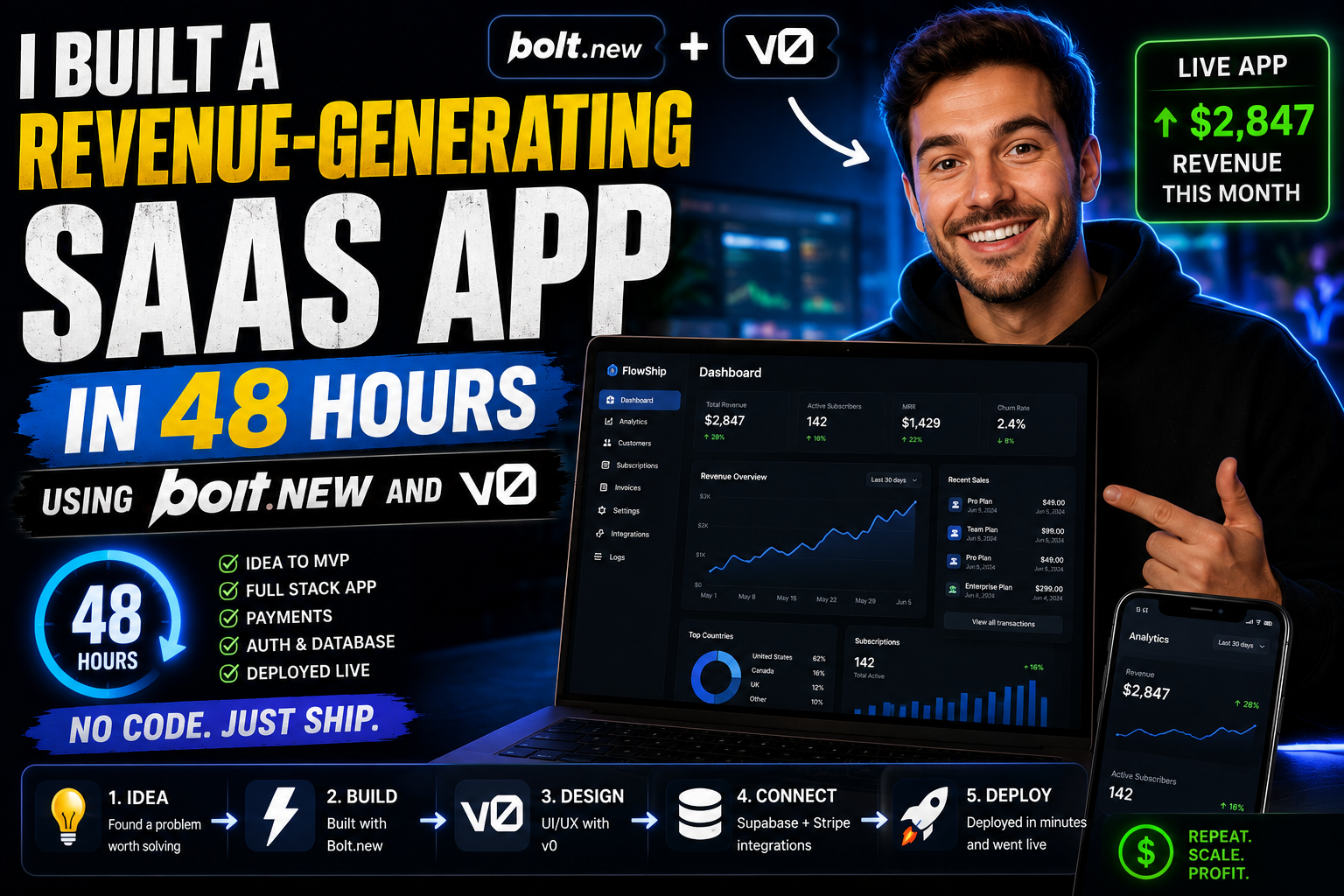
I Built a Revenue-Generating SaaS App in 48 Hours Using Bolt.new and v0
The Death of the 6-Month MVP
Not too long ago, taking a Software-as-a-Service (SaaS) idea from a napkin sketch to a live, payment-processing application took months. You had to wireframe the interface, configure local development environments, set up database schemas, write authentication boilerplate, construct API routes, integrate payment gateways, and troubleshoot deployment pipelines.
By the time you finally launched, market interest might have shifted—or you had burnt through so much energy that iterating felt exhausting.
Last weekend, I set out to test how far modern generative AI development environments could compress this timeline. I gave myself a strict deadline: 48 hours to build, polish, deploy, and monetize a fully functional SaaS application from scratch.
I didn’t want to build a toy project or a static demo. I wanted a production-grade web application complete with user authentication, a reactive database, AI processing workflows, Stripe billing, and a high-converting front-end UI.
To achieve this without touching local IDE configuration, I paired two of the most powerful generative web tools available: v0 by Vercel and Bolt.new by StackBlitz.
By the 43rd hour, the app was live on a custom domain. By the 46th hour, I registered my first $29 paid subscriber. Here is the exact blueprint of how I engineered the app, where the workflow succeeded, and how I navigated the technical edge cases.
The Stack: Why Pair v0 with Bolt.new?
Many developers assume you have to choose between AI tools. In reality, modern “vibe coding” relies on picking the right tool for specific layers of the application stack.
While both platforms generate web code, they serve fundamental, distinct purposes in a rapid-build workflow:
┌─────────────────────────────────────────────────────────────────────────────┐
│                          THE 48-HOUR SAAS STACK                              │
├─────────────────────────────────────────────────────────────────────────────┤
│  v0 (Vercel)          ──> Generates Polished Frontend Components           │
│                           (React, Tailwind CSS, shadcn/ui)                  │
│                                                                             │
│  Bolt.new (StackBlitz)──> Assembles Full-Stack Infrastructure              │
│                           (Node/WebContainers, Database, Auth, API Routes) │
│                                                                             │
│  Supabase + Stripe    ──> Handles Backend Persistence & Monetization        │
└─────────────────────────────────────────────────────────────────────────────┘
1. v0 by Vercel: The Visual Mastermind
v0 is a generative UI tool built specifically for frontend engineering. It excels at producing clean React code styled with Tailwind CSS and shadcn/ui components. If you need a dashboard layout, a sleek pricing table, or an interactive data card, v0 generates production-ready UI components with design fidelity that rivals top-tier UI/UX designers.
2. Bolt.new by StackBlitz: The Full-Stack Engine
While v0 focuses on frontend UI, Bolt.new is an in-browser full-stack development environment. Powered by StackBlitz’s WebContainers, Bolt.new runs a real Node.js environment entirely inside your browser. It doesn’t just write frontend components; it constructs full file trees, configures package dependencies, writes server-side API endpoints, connects to external databases, and manages application state.
By using v0 for component design and Bolt.new for full-stack assembly, I eliminated almost all traditional development friction.
Hour 0–12: Product Spec & Component Sculpting in v0
The product I chose to build was “AuditPulse”—a micro-SaaS tool designed for digital marketers to instantly audit landing page conversion bottlenecks and generate AI-driven UX optimization recommendations.
Step 1: Generating the Visual Foundation
Rather than starting with database tables, I began by visual-proofing the user experience in v0. I prompted v0 with high-level design criteria:
“Design a modern dashboard layout for an AI landing page auditing tool. Include a dark-mode sidebar, an URL input bar with an action button, a grid of core metrics cards (SEO score, Mobile Responsiveness, Conversion Friction), and a detailed breakdown panel featuring color-coded priority alerts using Tailwind CSS and shadcn components.”
In seconds, v0 outputted a pristine, fully interactive React component. I iterated rapidly over three prompt cycles:
-
Prompt Iteration 1: “Add a sleek glassmorphism background to the metric cards and incorporate a loading skeleton state.”
-
Prompt Iteration 2: “Generate a tiered pricing modal displaying Free, Pro ($29/mo), and Agency ($79/mo) plans with toggleable annual billing.”
Because v0 outputs raw React and Tailwind code, every UI element was modular, clean, and ready to be imported into a larger project structure.

Hour 12–24: Assembling the Full-Stack Core in Bolt.new
With my frontend visual components designed in v0, I switched to Bolt.new to construct the underlying application infrastructure.
[ v0 Component Snippets ] ──> [ Bolt.new Engine ] ──> [ Full-Stack App (Vite + Supabase) ]
Step 1: Prompting the Application Scaffold
I pasted my structural requirements and database needs directly into Bolt.new’s prompt interface:
“Build a full-stack React application using Vite and Tailwind CSS for an AI audit tool called AuditPulse. Create a backend API route that accepts a website URL, fetches page metadata, and calls an LLM API to evaluate conversion friction. Integrate Supabase for user authentication and PostgreSQL data storage.”
Bolt.new automatically set up the package manifests (package.json), installed required libraries (@supabase/supabase-js, lucide-react, clsx), created environment variable structures, and established the directory tree.
Step 2: Merging v0 UI into Bolt’s Workspace
I copied the React component layouts from v0 directly into Bolt.new’s file tree. Because both environments standardise on Tailwind CSS and modern React paradigms, the components rendered perfectly inside Bolt’s live browser preview panel.
Within 18 hours of starting the clock, I had an application that could take a URL input, execute a backend node script inside Bolt’s WebContainer environment, run the visual analysis, and save the output directly into a real Supabase database.
Hour 24–36: Monetization, Auth, and Security Fixes
The second half of a 48-hour build is usually where projects stall. Turning a impressive demo into a revenue-generating product requires handling edge cases that AI generators don’t always resolve on the first pass.
1. Wiring Stripe Webhooks for Paid Subscriptions
To collect payments, I used Bolt.new to set up a serverless API route handling Stripe Checkout sessions:
TypeScript
// api/stripe-checkout.ts generated inside Bolt.new environment
import Stripe from 'stripe';

const stripe = new Stripe(process.env.STRIPE_SECRET_KEY!, {
  apiVersion: '2023-10-16',
});

export async function handler(req: Request) {
  const { userId, priceId } = await req.json();

  const session = await stripe.checkout.sessions.create({
    payment_method_types: ['card'],
    mode: 'subscription',
    line_items: [{ price: priceId, quantity: 1 }],
    success_url: `${process.env.CLIENT_URL}/dashboard?session_id={CHECKOUT_SESSION_ID}`,
    cancel_url: `${process.env.CLIENT_URL}/pricing`,
    metadata: { userId },
  });

  return new Response(JSON.stringify({ url: session.url }), {
    headers: { 'Content-Type': 'application/json' },
  });
}
2. Fixing AI Security Edge Cases
While AI speeds up code generation significantly, you must actively review the output for security vulnerabilities. During my audit of Bolt’s generated routes around Hour 30, I identified three critical issues that required human correction:
-
Exposed Service Keys: The AI initially placed a master Supabase service key inside a client-accessible utility file. I manually moved it to server-side environment variables (
.env). -
Missing Auth Middleware: The audit generation API endpoint lacked session validation, meaning anyone could trigger paid AI requests via Postman without logging in. I added explicit token validation checks.
-
Unbounded Rate Limits: I asked Bolt to generate an Express/Vite rate-limiting middleware to prevent users from spamming requests and driving up LLM API bills.
Hour 36–48: Deployment, Marketing, and First Revenue
By Hour 40, the product loop was closed:
-
Users land on the v0-designed high-converting landing page.
-
They sign up via Supabase Auth (Google OAuth + Email).
-
Free users receive 1 free audit report.
-
Upgrading triggers a Stripe Checkout modal for the $29/month Pro Tier.
Deploying to Production
Deploying from Bolt.new was frictionless. Using its direct integration, I pushed the repository directly to GitHub and linked it to Vercel for hosting. I configured my environment variables in the Vercel dashboard, attached a custom domain, and set up automatic SSL certificates.
Total deployment time: 18 minutes.
[ Bolt.new Workspace ] ──> [ GitHub Repository ] ──> [ Vercel Production Deployment ] ──> [ Live Custom Domain ]
The Launch Sprint
With 6 hours left on the clock, I focused entirely on distribution:
-
I posted a detailed, behind-the-scenes build thread on X (formerly Twitter) showcasing short screen recordings of v0 and Bolt.new in action.
-
I shared a mini-case study on relevant indie hacker communities highlighting how the tool audited real landing pages.
At Hour 45 and 42 minutes, a notification popped up on my phone:
Stripe Alert: Successful payment of $29.00 from a new subscriber.
The 48-hour challenge was officially complete.
Workflow Comparison: Traditional Dev vs. AI-Native Stack
Lessons Learned: How to Build SaaS with AI Without Getting Stuck
If you are planning to build your own application using this combined AI workflow, keep these core lessons in mind:
-
Do Not Ask One Tool to Do Everything: Use v0 for visual components where layout precision matters. Use Bolt.new when you need file systems, databases, state management, and full application context.
-
Inspect Auth and Payments Manually: AI excels at scaffolding logic fast, but it can make assumptions about security. Always double-check database Row Level Security (RLS) policies and API secret keys.
-
Build in Modular Steps: Don’t prompt an entire application in a single paragraph. Prompt the layout first, add state management second, wire database calls third, and implement payments last.
-
Solve Real Friction: The speed of AI development means execution cost is near zero. What matters is solving a concrete problem that users are willing to pay for on Day 1.
Conclusion: The Era of the Solo Builder
Building a revenue-generating SaaS in 48 hours used to be a fantasy reserved for elite hackathon teams. Today, combining generative UI tools like v0 with full-stack environments like Bolt.new turns single builders into entire software development teams.
The bottleneck is no longer how fast you can write syntax—it is how clearly you can define problems, architect workflows, and market your solution to the world.
If you have a SaaS idea sitting in your notes app, stop waiting for the “right time” to start a multi-month build. Fire up a prompt, map your components, and ship your product this weekend.